Cronos,
on your desktop.
A native app for macOS, Windows and Linux to manage, stake and control your CRO assets — directly from your computer.
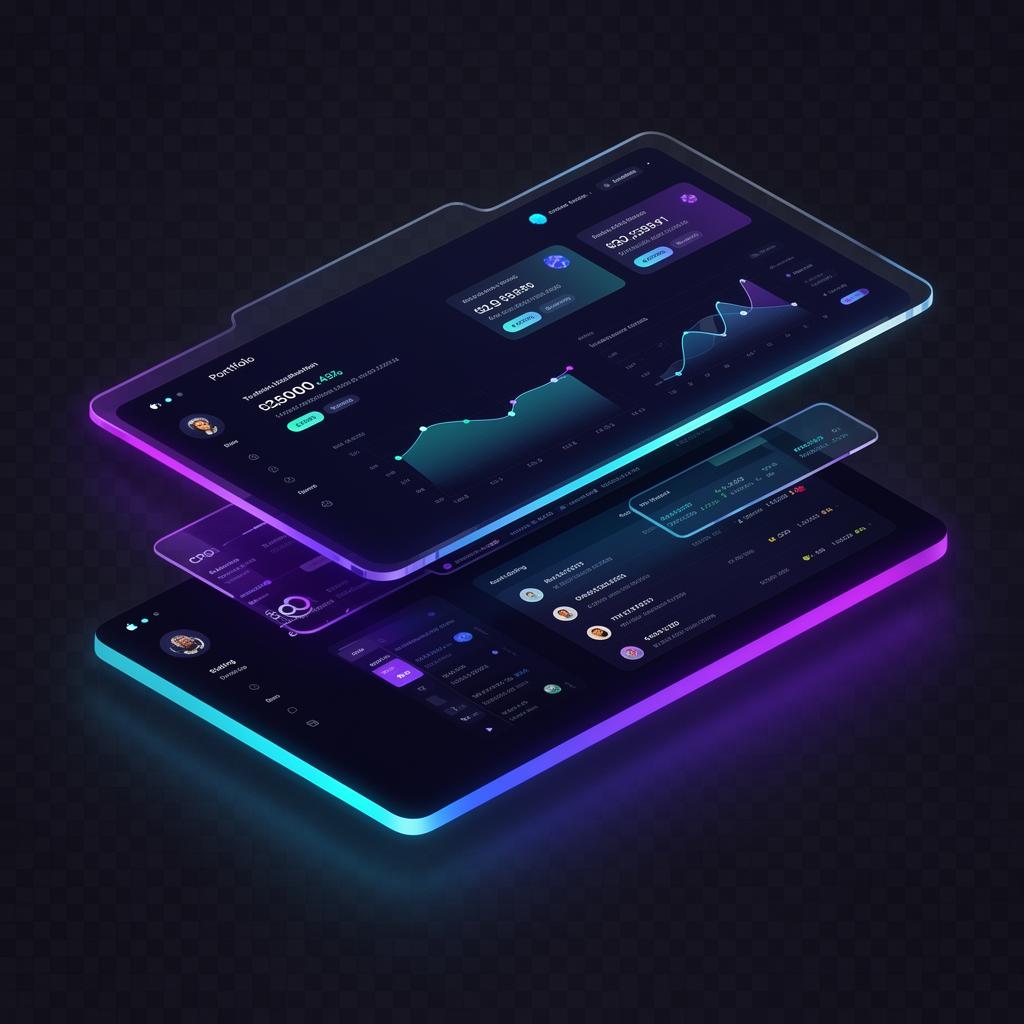
CRO has gained traction across the EVM-compatible ecosystem in the last 4 hours.
Free to download. Available for macOS, Windows and Linux. By downloading, you agree to the Cronos.com Terms & Privacy Notice.
The Desktop App
Cronos, running natively on your computer.
A dedicated desktop app for the Cronos ecosystem. Manage CRO, stake, sync your wallet card, and interact with dApps from a focused, full-screen environment — no browser tab required.
Built for desktop
One app. Everything Cronos.
Native desktop app
A real macOS, Windows and Linux app — not a browser tab.
Manage CRO assets
Hold, send and receive CRO and supported tokens from your desktop.
Stake from desktop
Delegate, monitor positions and claim rewards in a focused UI.
Desktop-grade security
Sign and broadcast transactions with full-window confirmations.
Sync your wallet card
Pair your wallet card and mobile wallet with the desktop app.
Cronos dApp access
Open the Cronos ecosystem from one native window.
Sync to desktop
Bring your wallet to the big screen.
Pair your mobile wallet or wallet card with the Cronos Desktop App and pick up exactly where you left off — balances, staking and history, all in sync.
- Pair your wallet card with the desktop app
- Mirror balances from mobile in real time
- Approve transactions from a full desktop window